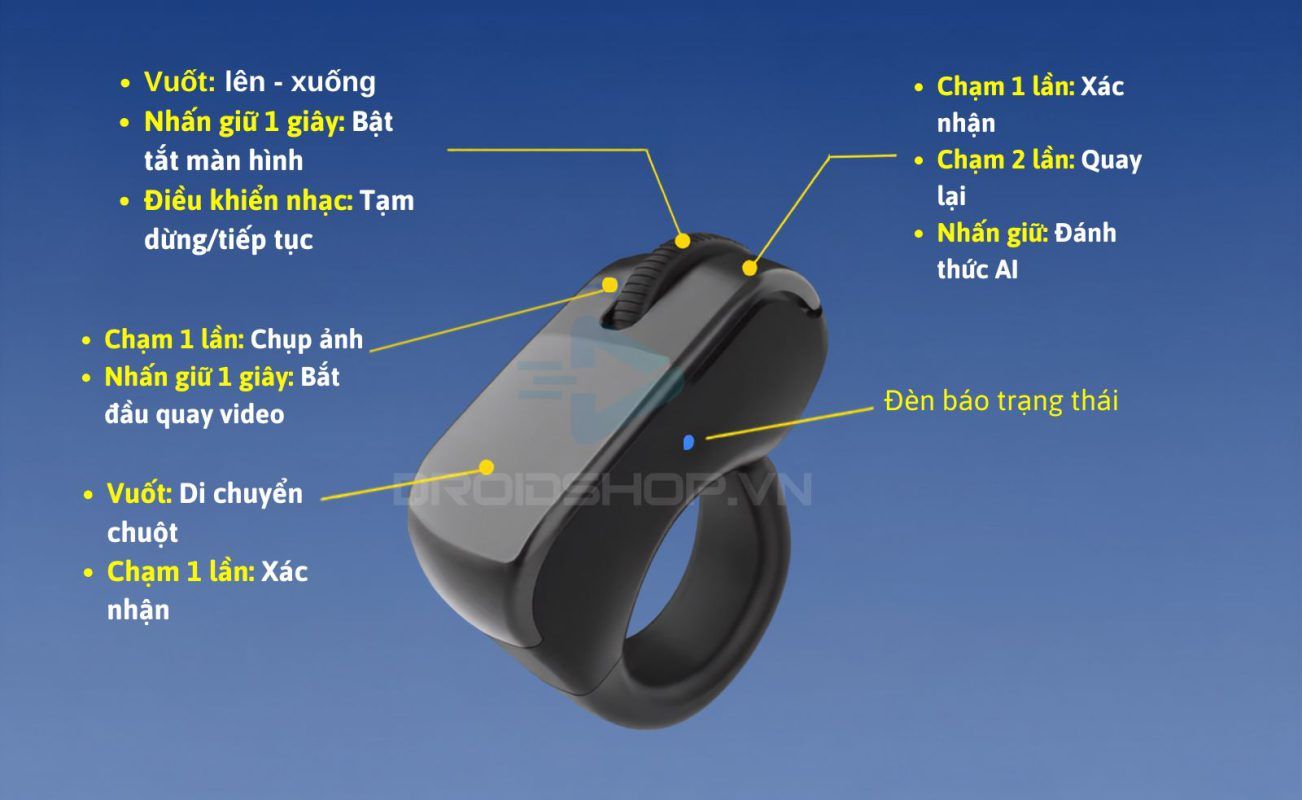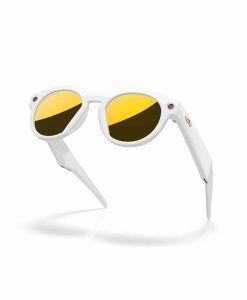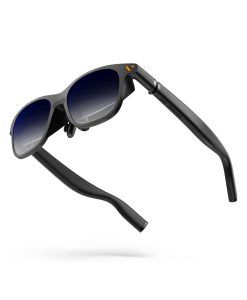
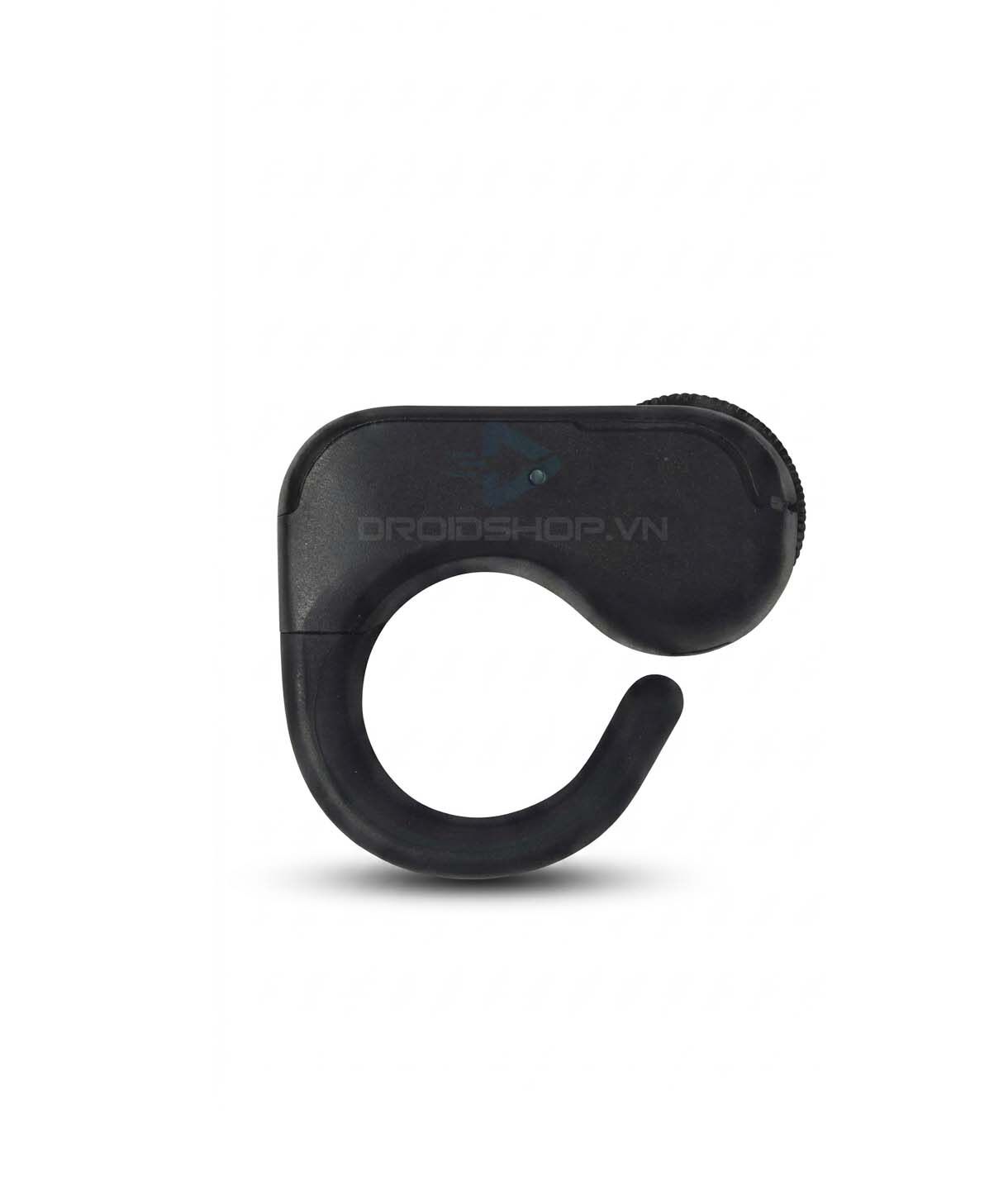
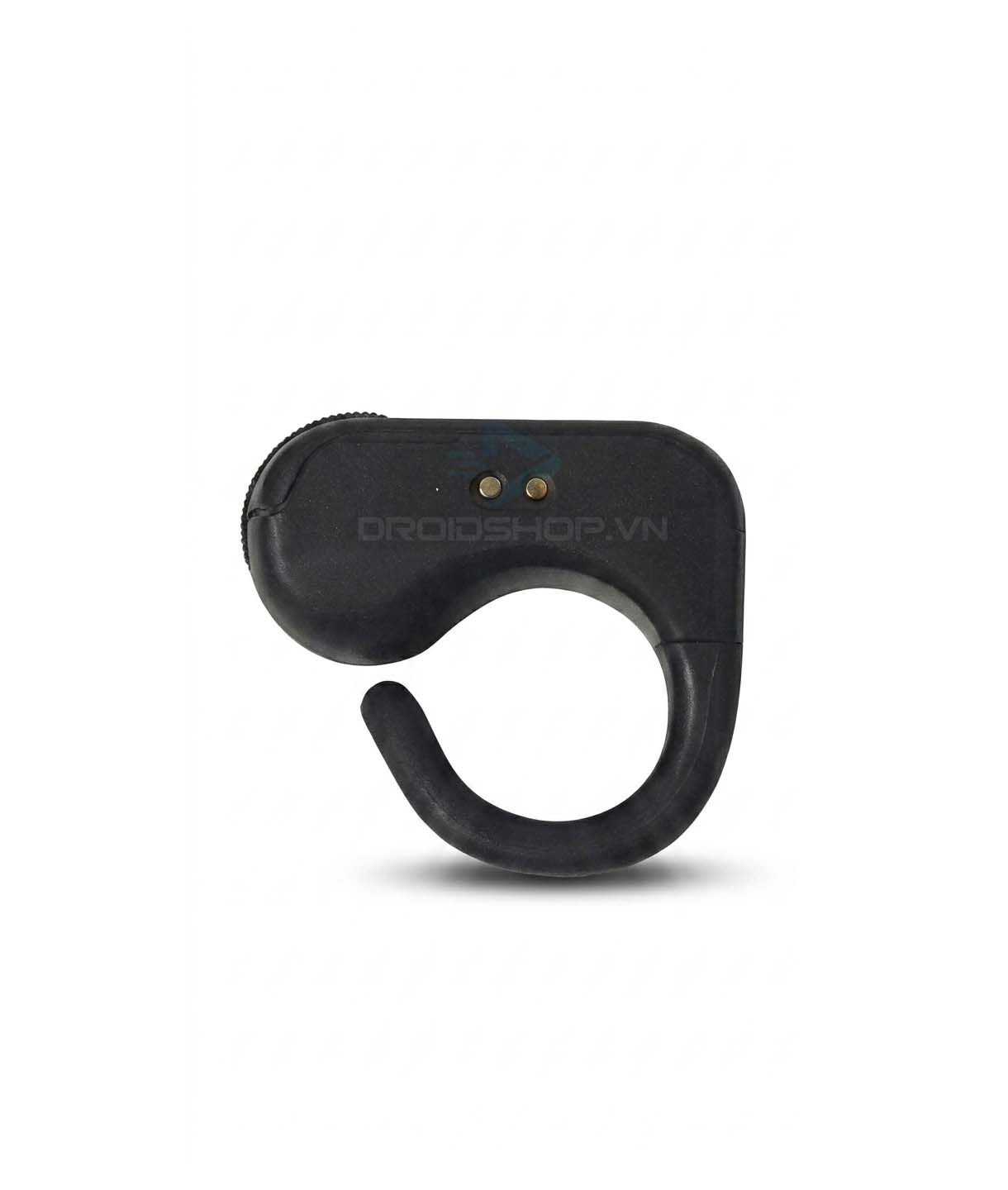
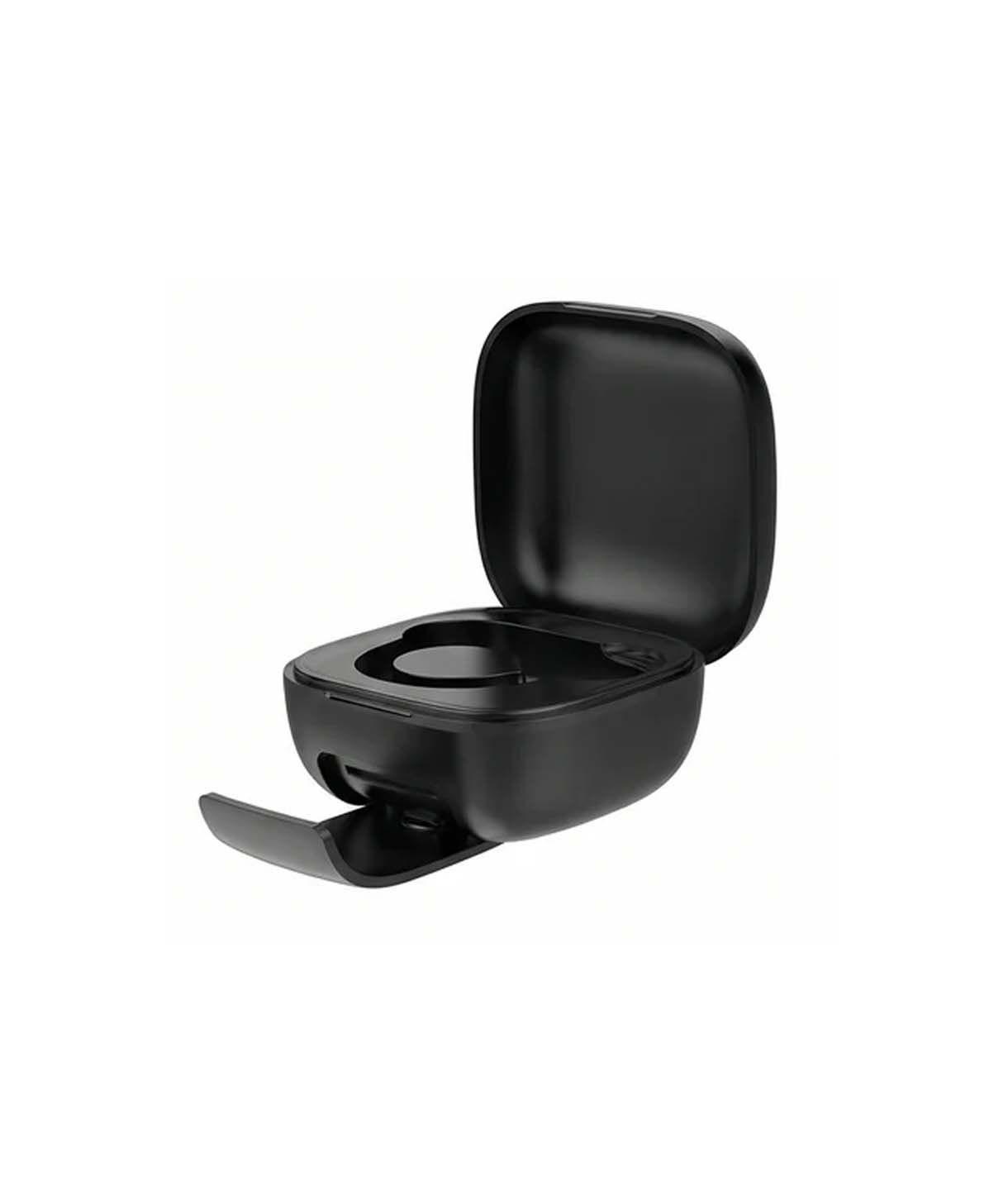
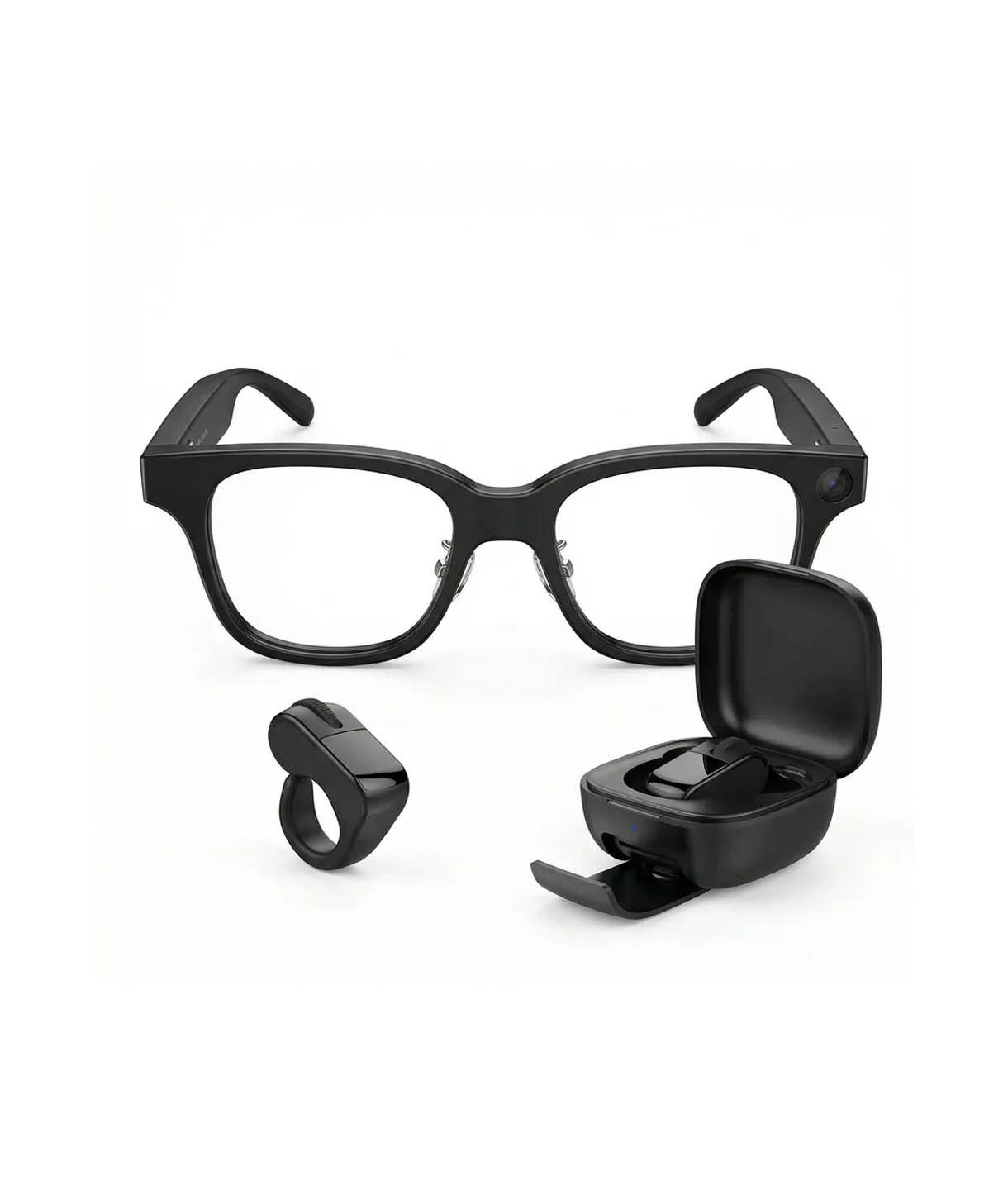
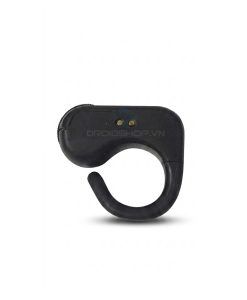
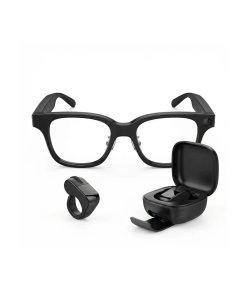
Rokid Glasses are operated using the built-in touchpad and side buttons to access various functions. This control ring offers a more convenient alternative, integrating a wide range of features such as AI activation, page scrolling, photo and video capture, and more.
Key Features
Designed to work seamlessly with Rokid Glasses, this control ring allows users to operate the glasses more easily without having to interact directly with the touchpad or side buttons on the frame. Its compact, finger-worn design provides full access to the glasses’ features while eliminating the need to touch the temple arms.
You can also use both the touchpad on the glasses and the control ring simultaneously without any issues.
Multiple Functions Integrated
Multiple functions are integrated into the control ring, providing a more convenient and intuitive way to operate your glasses than using the touchpad on the frame.
Compatible with both Rokid Glasses and Rokid AI Glasses Style (the version without a display).
Technical Specifications
| Details | |
|---|---|
| Bluetooth Version | Bluetooth 5.3 |
| Transmit Power | Class II (-6 dBm to +4 dBm) |
| Operating Frequency Range | 2.40 GHz – 2.48 GHz |
| Wireless Range | Up to 10 m |
| Ring Battery Capacity | 40 mAh |
| Ring Charging Time | Approximately 1.5 hours |
| Water & Dust Resistance | IP54 (dust protected and resistant to low-pressure water splashes) |
| Ring Sizes | Sizes 7 / 8 / 9 / 10 / 11 (Designed to fit all finger sizes) |
| Material | Matte black anodized aluminum alloy combined with polycarbonate |
| Charging Case Battery Capacity | 250 mAh |
| Charging Case Charging Time | Approximately 1.5 hours |
| Charging Port | USB-C |
Connection Guide
Remove the ring from the charging case and turn it on by pressing and holding the scroll wheel in the center of the ring.
When the indicator light starts flashing blue, press and hold the two buttons on both sides of the scroll wheel until the LED indicator starts flashing blue and red.
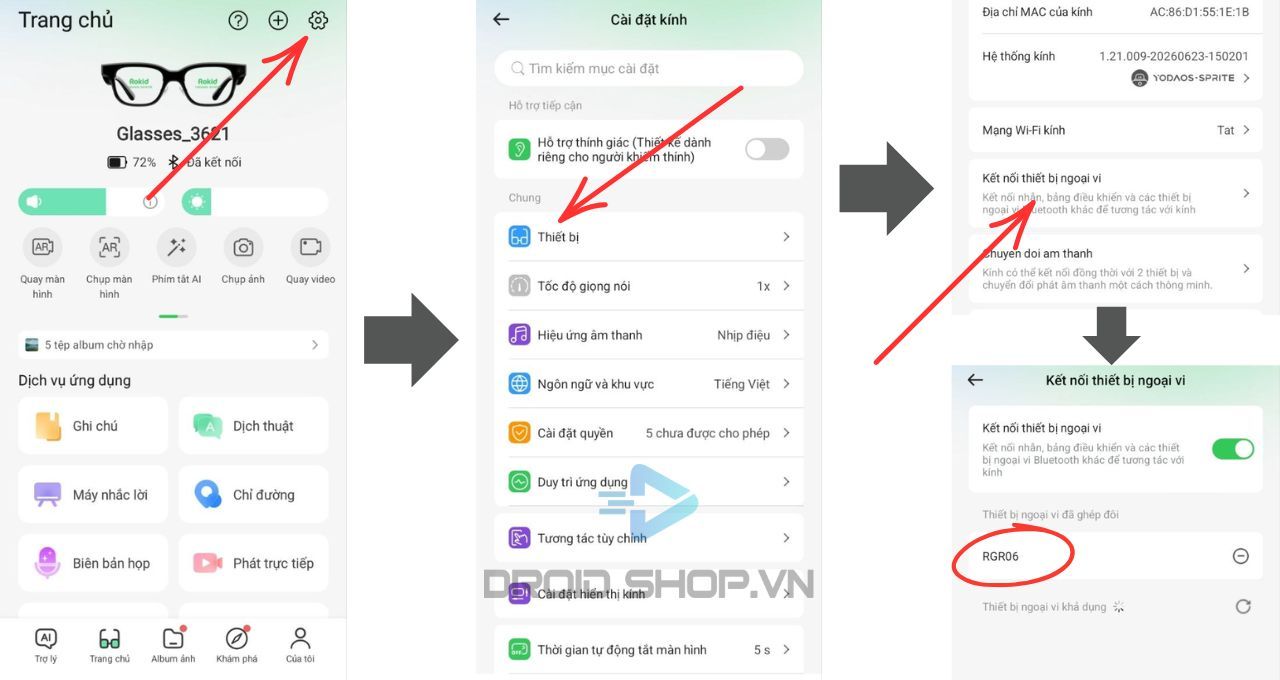
Open the Hi Rokid app, go to Glasses Settings → Devices → Devices Connection, then turn on the connection switch.
Select the device named “RGR06”. The glasses will connect to the ring.
What's in the box
- RGR06 Control Ring
- Charging Case
- USB-C Charging Cable
- User Manual (English)
- 6-month warranty – 1-for-1 replacement within the first 30 days (any defect, replacement provided)


There are no reviews yet.